











Find the Right Computer Setup for Work, Gaming and Everyday Use
Choosing computer hardware is easier when the specifications are connected to what you actually need to do. A lightweight laptop for everyday work has very different priorities from a gaming laptop, a creator workstation or a desk setup built around a high-resolution monitor. DealSurge brings laptops and computer accessories together in one category so you can compare the core hardware, peripherals and storage that make up a complete computing setup.
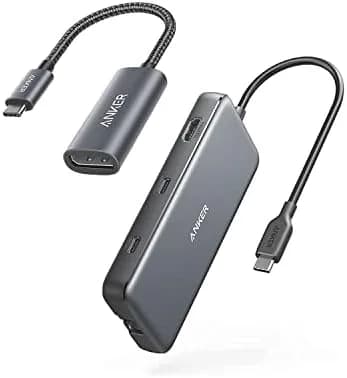
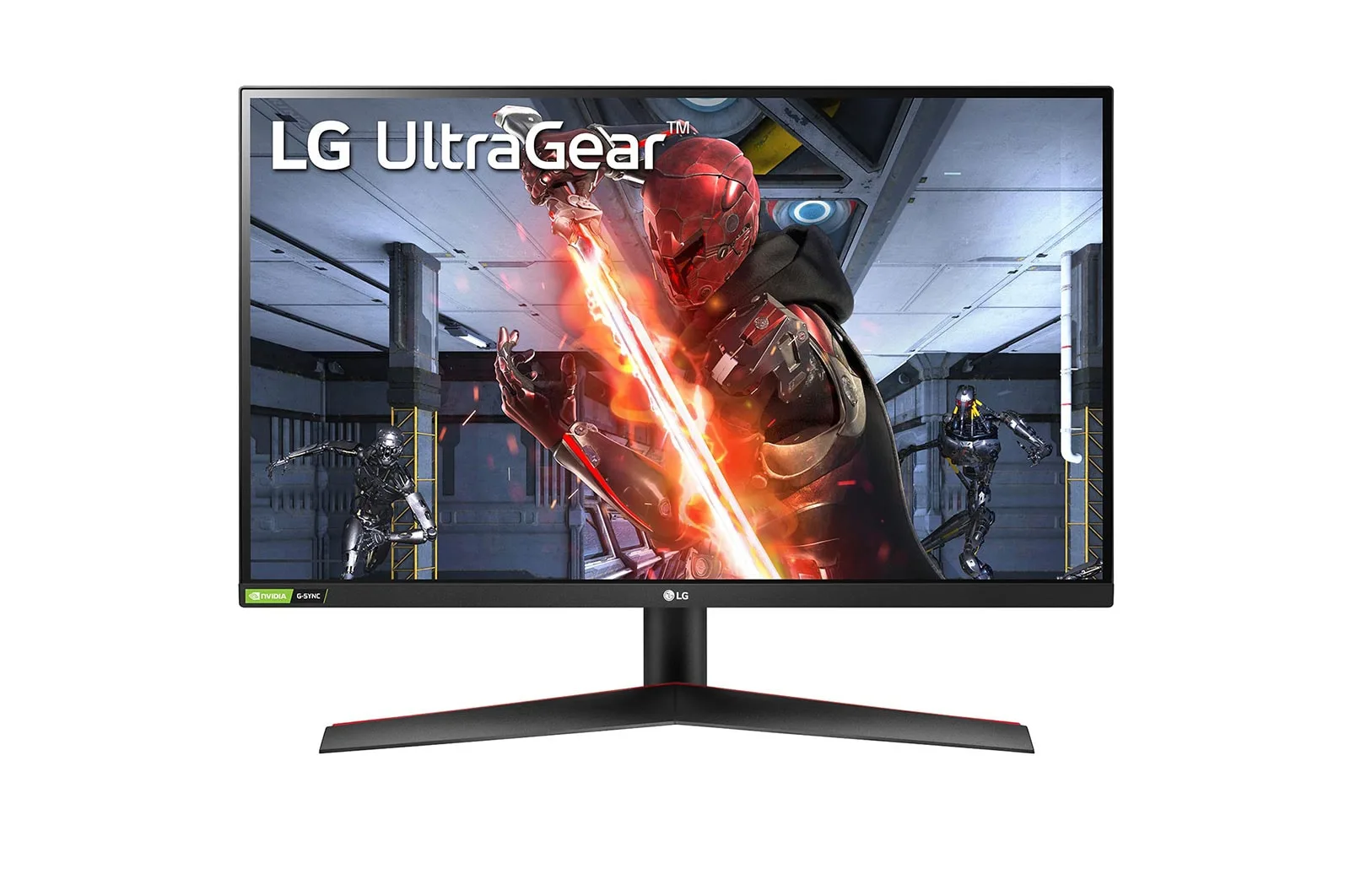
Explore everyday and performance laptops from established brands alongside gaming monitors, productivity displays, SSDs, external storage, mechanical and wireless keyboards, mice, webcams, USB-C hubs, laptop stands and cooling accessories. Product listings focus on clear specifications and practical details, helping you compare components such as processors, memory, storage capacity, graphics, display resolution, refresh rate, ports, weight and warranty coverage before deciding what fits your requirements.
Laptops for Everyday Computing, Business and Professional Work
For browsing, documents, video calls and general productivity, a well-balanced laptop with a modern processor, sufficient RAM and SSD storage will usually deliver the best everyday experience. Buyers who regularly multitask, work with large spreadsheets, code, edit media or use demanding professional applications should pay closer attention to processor performance, memory capacity, display quality and thermal design.
The category includes thin-and-light options, mainstream Windows laptops, business-focused models and premium notebooks. Depending on your workflow, features such as a 14-inch or 16-inch display, a taller 16:10 aspect ratio, OLED panel, USB-C charging, longer battery life or a more durable keyboard can matter as much as headline processor specifications. If you are comparing several models, use the product specifications and comparison features to evaluate the differences that will affect daily use rather than choosing by model name alone.
Need more help choosing a system for coding or development? Read our laptop buying guide.
Gaming Laptops and High-Refresh Displays
Gaming laptops place greater emphasis on dedicated graphics, sustained processor performance, cooling and display refresh rate. A dedicated GPU can also be valuable for 3D work, video production and other GPU-accelerated workloads. When comparing gaming laptops, look beyond the GPU model and consider the complete configuration, including CPU, RAM, display resolution, refresh rate, cooling design and available ports.
A gaming monitor can further improve a desktop or laptop gaming setup. Higher refresh rates provide smoother motion, while QHD and 4K panels offer more visual detail than standard Full HD displays. The right choice depends on the performance your computer can deliver, the games or applications you use, your preferred screen size and whether features such as USB-C connectivity are important for your setup.
Monitors for Productivity, Creative Work and Gaming
An external monitor can transform a laptop into a more comfortable workstation. Full HD monitors remain practical for everyday tasks, while QHD and 4K displays provide additional workspace and sharper detail for multitasking, design, editing and data-heavy workflows. USB-C monitors can simplify compatible laptop setups by carrying display output and, on supported models, power through a single cable.
For long working sessions, compare screen size, panel type, brightness, ergonomics and eye-comfort features. Gamers should pay particular attention to refresh rate and response characteristics, while creative users may prioritise resolution, colour performance and connectivity.
Storage, Keyboards, Mice and Essential Computer Accessories
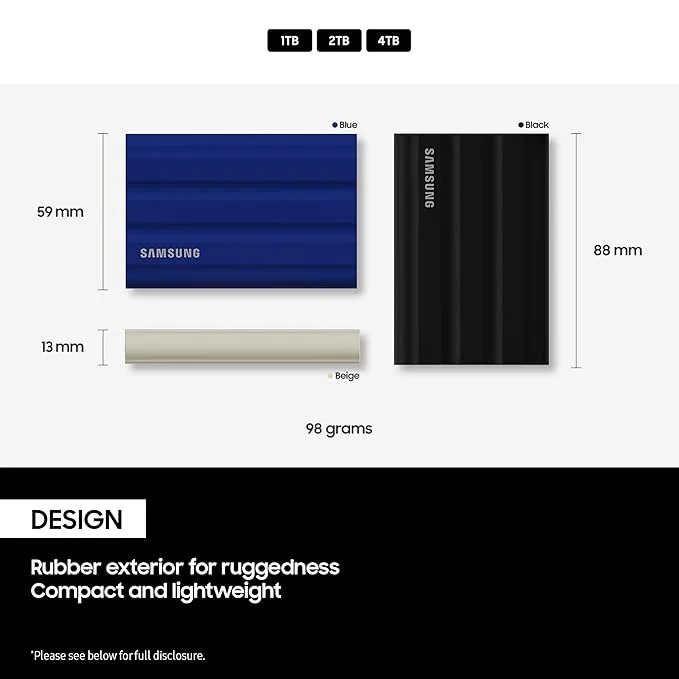
The right accessories can improve speed, comfort and flexibility without replacing your entire computer. NVMe SSDs can provide fast internal storage for compatible systems, while portable SSDs and external hard drives are useful for backups, media libraries and moving large files between devices. Capacity is important, but buyers should also check interface type, transfer speed, durability and device compatibility.
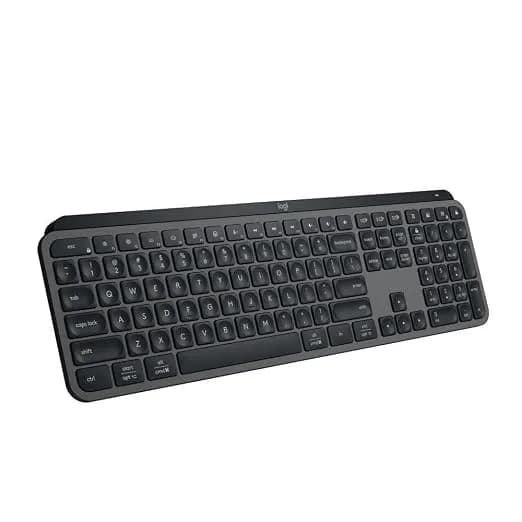
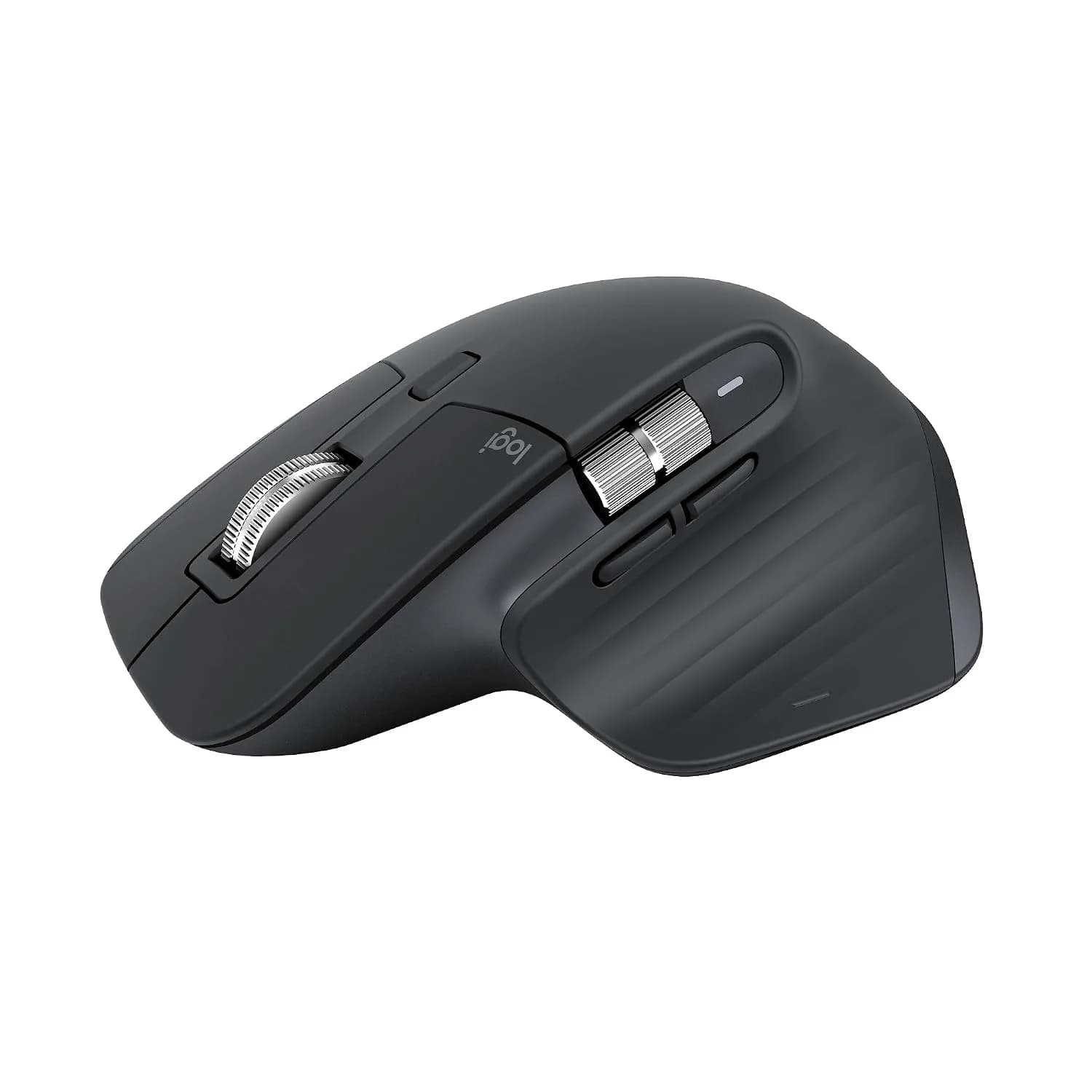
For desk setups, keyboards and mice have a direct impact on comfort and control. Mechanical keyboards can offer a more tactile and customisable typing experience, while low-profile wireless keyboards suit streamlined workspaces. A standard wireless mouse works well for everyday use; ergonomic productivity mice can improve control during long work sessions, and gaming mice place more emphasis on low weight, sensor performance and responsiveness.
You can also complete a setup with webcams for video calls and streaming, USB-C hubs for expanding ports, laptop stands for a more ergonomic screen position, and cooling pads for compatible laptops used under sustained workloads.
What Should You Check Before Buying a Laptop?
- Processor and graphics: Match the CPU and GPU to your real workload. Everyday productivity usually needs less processing power than gaming, software development, 3D work or professional content creation.
- RAM: More memory helps with multitasking and memory-intensive applications. Check both installed capacity and whether memory can be upgraded.
- Storage: SSDs generally provide faster startup and application loading than mechanical hard drives. Consider capacity as well as interface and expected transfer performance.
- Display: Compare size, resolution, panel type, refresh rate and brightness according to how you work or play.
- Ports and connectivity: Check USB-A, USB-C, HDMI, Ethernet, card readers, wireless connectivity and charging support based on your accessories and workflow.
- Warranty and product authenticity: Review the warranty information provided on the product page and choose genuine products backed by the applicable brand warranty.
What Should You Check Before Buying Computer Accessories?
- Compatibility: Check whether the accessory works with your laptop, desktop, operating system and available ports before purchasing.
- Interface and connectivity: For SSDs, hubs, keyboards, mice and monitors, verify whether the product uses USB-A, USB-C, HDMI, DisplayPort, Bluetooth or another required connection.
- Performance specifications: Compare relevant factors such as transfer speeds for storage, refresh rate for monitors, sensor performance for mice and switch type for keyboards.
- Form factor and workspace: Consider product dimensions, desk space, portability and ergonomics, particularly when choosing monitors, laptop stands, keyboards and external storage.
- Intended use: Choose accessories based on how you actually use your computer. Gaming, productivity, content creation and everyday computing can require different features.
Why Shop Computers & Laptops on DealSurge?
DealSurge is built around specification-led product discovery. Instead of relying only on promotional labels, shoppers can review sourced and verified product specifications and compare the attributes that matter to performance and compatibility.
The Computers & Laptops category combines genuine products, applicable brand warranty information, free delivery and 7-day returns with practical product details designed to make comparison easier.
Whether you are upgrading a work laptop, building a gaming setup, adding a second monitor, expanding storage or improving your desk with better peripherals, browse the available products and compare specifications before you choose.
If you need extra help narrowing down your options, use the DealSurge shopping assistant for additional product-selection guidance.
Compare Specs. Choose Smarter.
Browse computers, laptops and accessories, review verified product details and choose the hardware that fits your setup.