
IT and networking gear is bought for a specific job, so the right choice depends on what you are protecting, connecting or storing rather than on price alone. This guide compares switches, access points, NAS enclosures, UPS units and related gear from our IT & Networking department so you can match specifications to the job at hand.
Which switch do I need: managed, unmanaged or PoE?
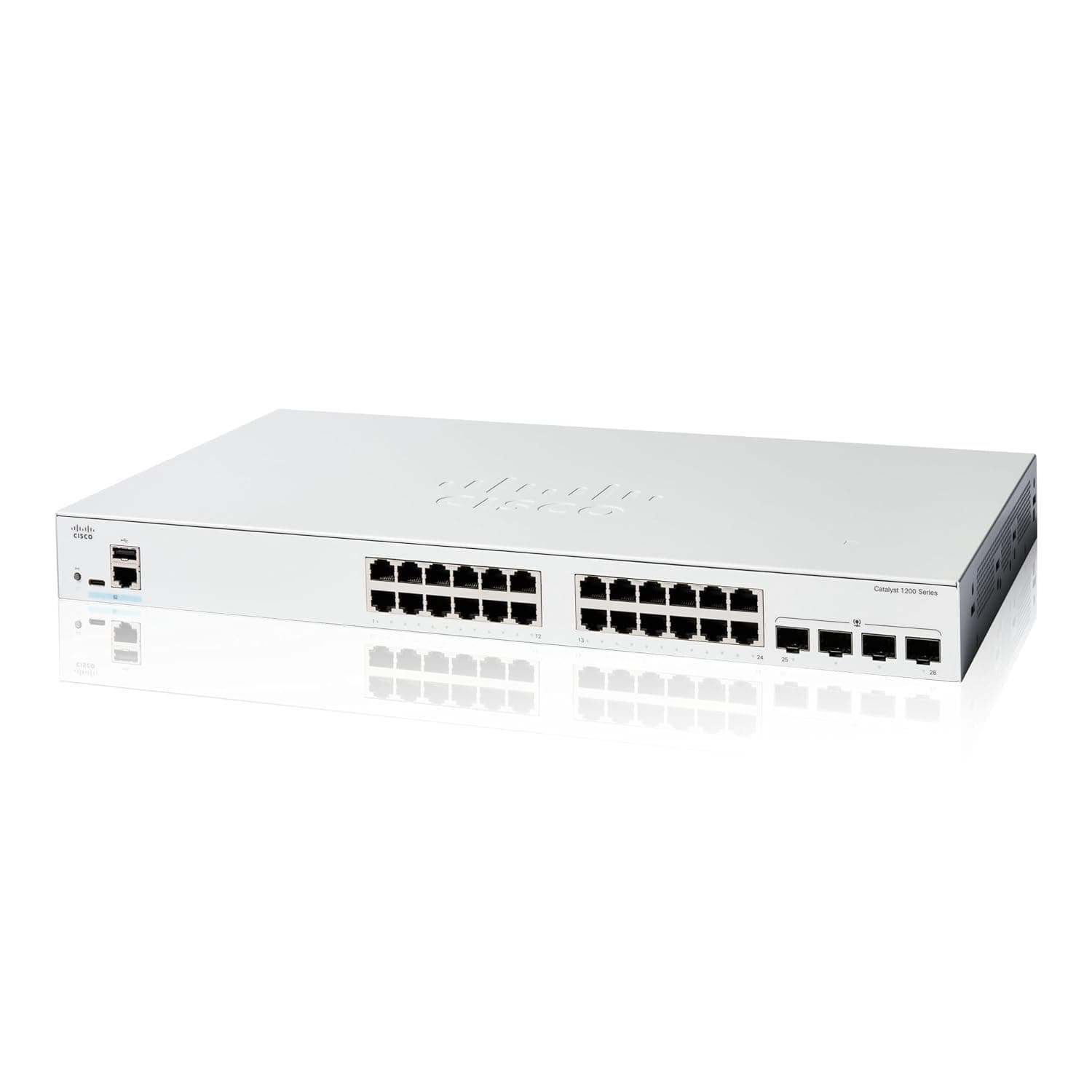
If you are only powering access points or cameras and do not need VLANs or diagnostics, the NETGEAR GS308PP gives every one of its eight ports PoE+ with an 83 W total budget, fanless and wall-mountable. Once you need per-port statistics or VLANs, the UniFi Switch Lite 16 PoE adds UniFi controller management, though only eight of its sixteen ports carry PoE within a 45 W budget – enough for about eight access points, not cameras as well. For aggregating multiple switches over fiber, the Cisco Catalyst 1200-24T-4G has four SFP uplinks and static/inter-VLAN routing, but carries no PoE at all on this variant.
How much PoE budget do I actually need?
PoE budgets are shared across ports, not per-port. The NETGEAR GS308PP's 83 W budget covers all eight ports at once, while the UniFi Switch Lite 16 PoE's 45 W budget is split across only eight of its sixteen ports. Count your devices' draw before assuming a switch with more ports can power more things.
Which Wi-Fi access point suits my office?
The Ubiquiti UniFi U6+ runs on standard 802.3af PoE with no injector needed, but its single gigabit uplink and 2x2 MIMO cap it for dense environments. The TP-Link EAP670 steps up to a 2.5 GbE uplink and 4x4 radio on 5 GHz, but needs 802.3at power, which not every switch supplies.
What should I check before buying a NAS?
Bay count decides your RAID options. The Synology DS224+ offers only RAID 0 or RAID 1 with two bays, giving one drive of redundancy at most. The Synology DS923+ supports RAID 5, 6 and 10 across four bays, plus ECC memory expandable to 32 GB and an optional 10 GbE card. Neither enclosure includes drives, and neither has usable hardware transcoding for 4K media. Pair either with a drive rated for NAS duty, such as the Seagate IronWolf 8TB, which is rated for 180 TB of workload per year and enclosures up to 8 bays.
Do I need a Smart-UPS or will a Back-UPS do?
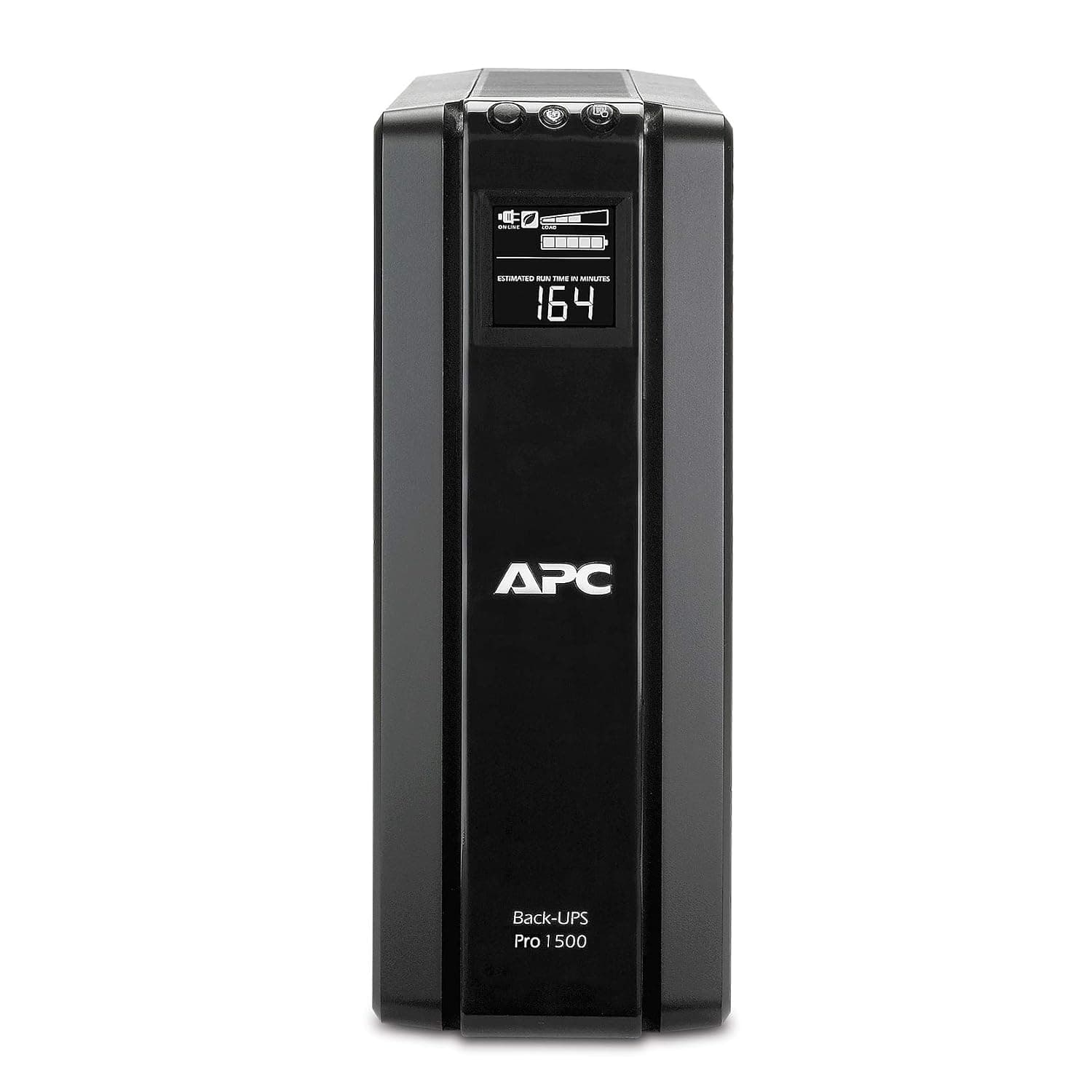
The APC Back-UPS Pro 1500VA delivers true sine wave output at $229.99 but only five of its ten outlets are battery backed, and it is limited to 900 W. The APC Smart-UPS 1500VA costs more at $749.00 but reaches a 1000 W real limit, has a user-replaceable battery, and includes a network card slot for remote monitoring. Both give only minutes of runtime, around 6–7 minutes at full load, so neither is a substitute for a generator.
What does a firewall or gateway add that a switch does not?
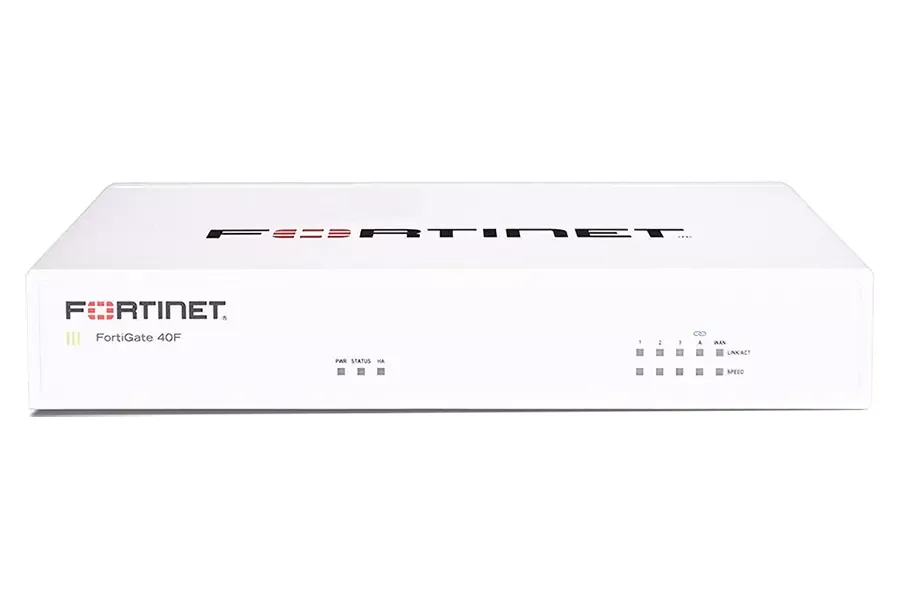
The Fortinet FortiGate 40F is fanless and includes SD-WAN and IPsec VPN in its base firmware, but its 5 Gbps firewall throughput drops to about 900 Mbps with threat inspection on, and the FortiGuard subscription renews annually as the larger ongoing cost. The UniFi Cloud Gateway Ultra runs the UniFi controller itself with a 2.5 GbE WAN port, but routing falls to about 1 Gbps once IDS/IPS is enabled, and it tops out managing about 30 UniFi devices.
Comparison of key specifications
| Product | Price | Port count | PoE budget | Warranty |
|---|---|---|---|---|
| NETGEAR GS308PP | $109.99 | 8 x Gigabit, all PoE+ | 83 W total | Limited lifetime hardware |
| UniFi Switch Lite 16 PoE | $199.00 | 16 x Gigabit, 8 with PoE+ | 45 W total | 1-year limited hardware |
| Cisco Catalyst 1200-24T-4G | $549.00 | 24 x Gigabit + 4 x SFP | None | Limited lifetime hardware |
| TP-Link EAP670 | $149.99 | 1 x 2.5 GbE uplink | Requires 802.3at | 5-year limited |
| UniFi U6+ | $99.00 | 1 x Gigabit uplink | 802.3af PoE | 1-year limited hardware |
Who should avoid what?
Avoid the NETGEAR GS308PP if you anticipate needing VLANs, port statistics or remote diagnosis later, since it is fully unmanaged. Avoid the Cisco Catalyst 1200-24T-4G if you need to power access points or cameras – choose the 24P or 24FP variants instead. Server rooms should avoid the APC Back-UPS Pro, where the shorter warranty and lighter build are a poor trade compared with the Smart-UPS line. Anyone wanting 4K hardware transcoding should avoid both Synology enclosures listed here, and anyone on an 802.3af-only switch should avoid the TP-Link EAP670, which needs 802.3at power.
For a ranked shortlist across these categories, see our IT and networking rankings.