
Logitech M186 Wireless Mouse vs Logitech MX Master 3S
What separates them
Every specification both products publish agrees. The difference is elsewhere — price, warranty or brand. The Logitech MX Master 3S is ₹7,450 dearer. They are different kinds of product — wireless optical mouse against wireless ergonomic performance mouse — so read the table as two spec sheets rather than a like-for-like.
Logitech M186 Wireless Mouse vs Logitech MX Master 3S
Logitech
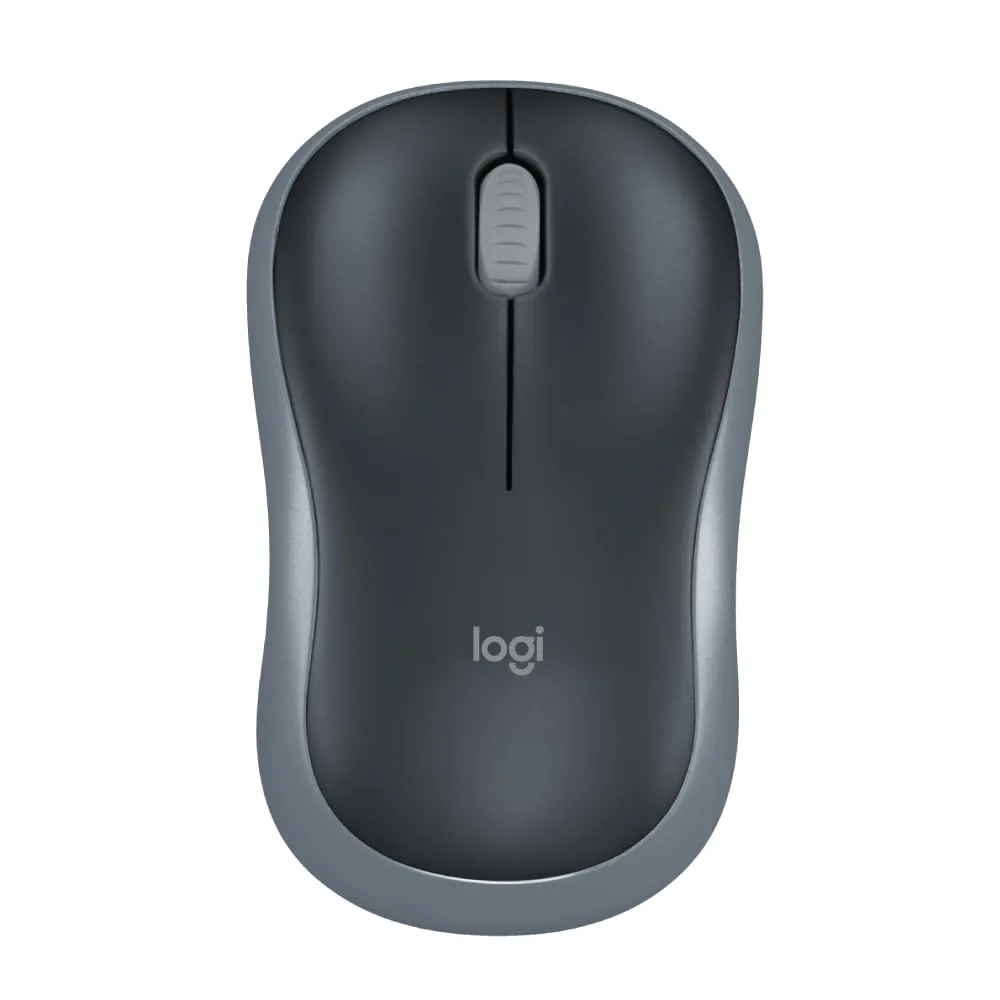
Logitech M186 Wireless Mouse
₹545
Yes, if you want a simple, reliable plug-and-play wireless mouse for everyday laptop or desktop use with long battery life and no setup hassle. It's not the right fit if you want adjustable DPI, a rechargeable battery, or Bluetooth-only connectivity.
Full details →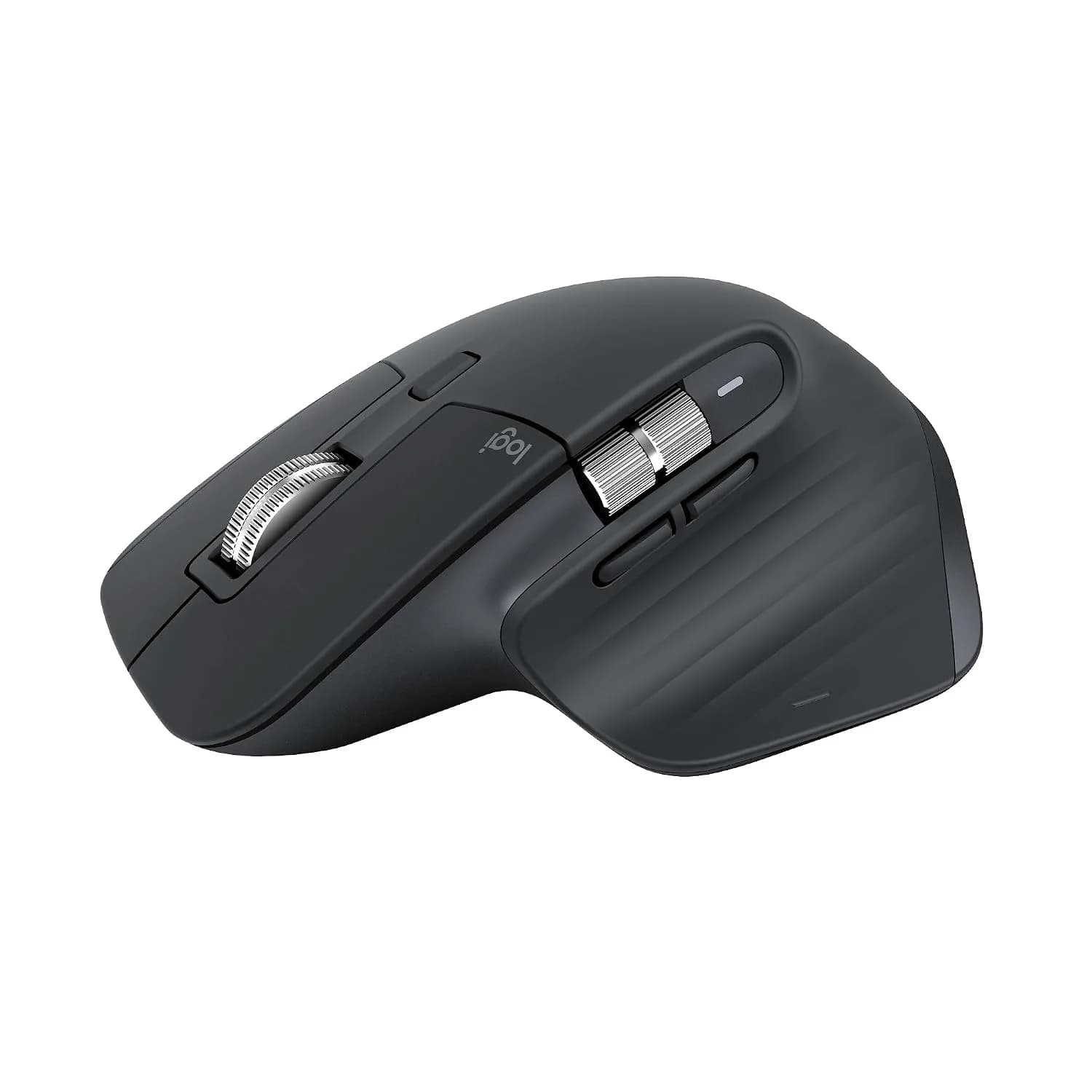
Logitech
Logitech MX Master 3S
₹7,995
Yes, if you're a professional or creative who wants a premium, ergonomic mouse with precise tracking (even on glass), ultra-quiet clicks, and multi-device Bluetooth switching. It's not the right fit if you're a gamer (low 125Hz polling rate, no RGB), left-handed (right-hand-only ergonomic shape), or want a USB receiver included — this specific edition is Bluetooth-only.
Full details →Who the Logitech M186 Wireless Mouse is for
Buy it if: Anyone wanting a simple, reliable, no-frills wireless mouse for everyday computing Buyers who want true plug-and-play (no Bluetooth pairing hassle) via the USB nano receiver Both left- and right-handed users (ambidextrous design) Budget buyers — this sits at the entry-level price point in Logitech's mouse lineup Office/student use, laptop travel use (compact size)
Avoid it if: Gamers or anyone wanting adjustable DPI (fixed at ~1000 DPI, non-adjustable) Buyers wanting Bluetooth-only connectivity without a USB receiver (this uses a USB nano receiver, not Bluetooth) Anyone wanting a rechargeable mouse (this uses a replaceable AA battery, not rechargeable) Users wanting extra programmable buttons (only 3 buttons: left, right, middle/scroll-click)
Who the Logitech MX Master 3S is for
Buy it if: Professionals and creatives doing sustained daily computer work (design, writing, coding, spreadsheets) Buyers who want to switch between multiple devices (up to 3 via Bluetooth) quickly Anyone working on unconventional surfaces like glass desks Users who value quiet clicks in shared/office environments Right-handed users specifically (this is not ambidextrous)
Avoid it if: Left-handed users — this is a right-hand-only ergonomic shape Gamers — 125Hz polling rate is well below gaming-mouse standards, and there's no RGB/gaming-focused feature set Buyers who specifically want a USB receiver included in the box (get the standard edition instead) Anyone on a tight budget — this sits at a premium price point compared to basic wireless mice like the M186/B170
Specifications, side by side
0 of 1 rows differ. Differences first.
| Specification | Logitech M186 Wireless Mouse | Logitech MX Master 3S |
|---|---|---|
| Price | ₹545 | ₹7,995 |
| Warranty | 1 Year | 1 Year |
Every row is a figure one or both products record. A blank is a figure the catalogue does not hold, not a zero.
Compare the Logitech M186 Wireless Mouse with something else →