
Logitech B170 USB Mouse vs Anker 555 USB-C Hub 8-in-1 PowerExpand Adapter
What separates them
These two differ on 1 recorded specification. The Anker 555 USB-C Hub 8-in-1 PowerExpand Adapter is ₹5,504 dearer. They are different kinds of product — wireless optical mouse against accessories — so read the table as two spec sheets rather than a like-for-like.
Logitech B170 USB Mouse vs Anker 555 USB-C Hub 8-in-1 PowerExpand Adapter
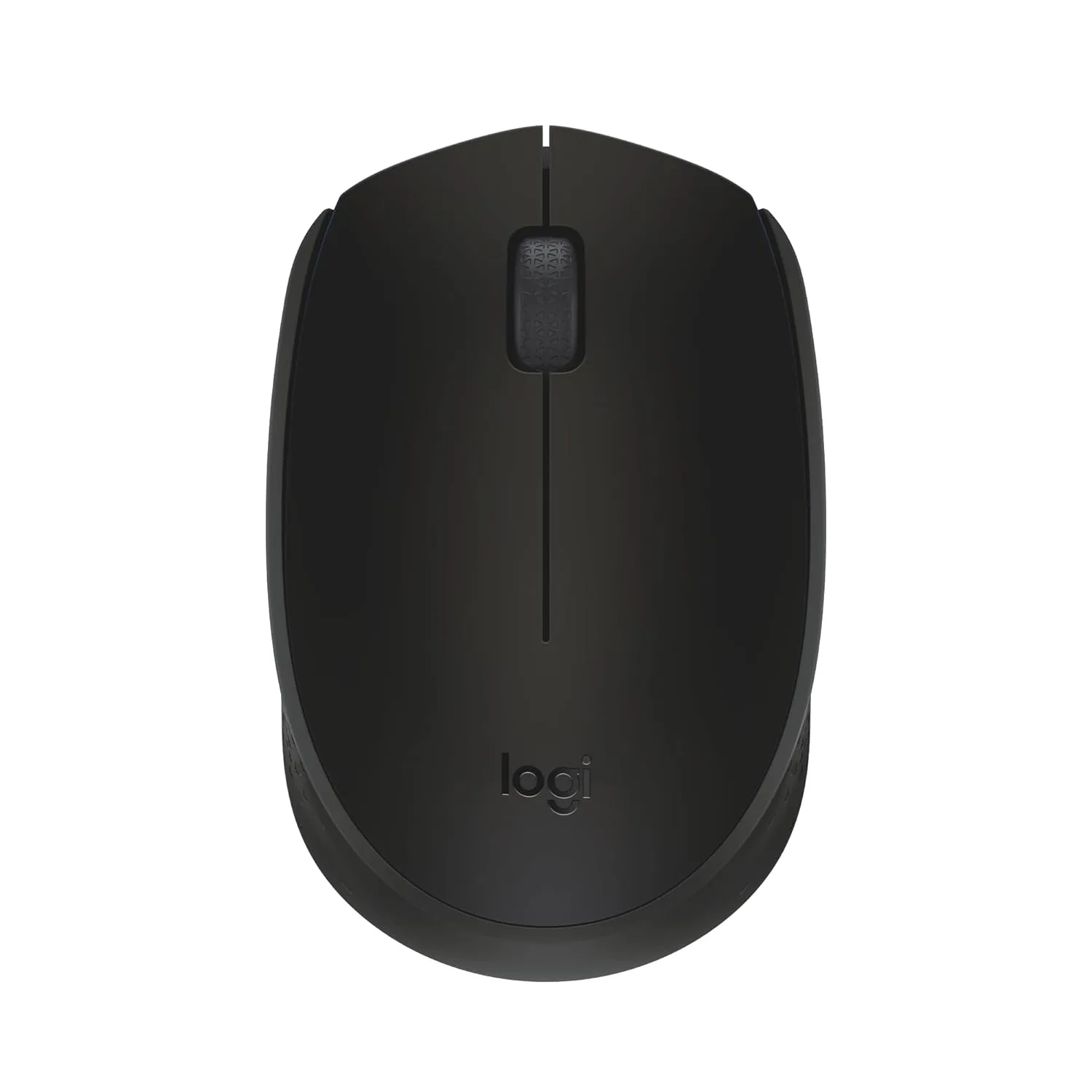
Logitech
Logitech B170 USB Mouse
₹495
Yes, if you want the most affordable, no-frills wireless mouse from Logitech for basic browsing and document work with minimal setup. It's not the right fit if you want DPI adjustment, a laser sensor, or features beyond basic point-and-click.
Full details →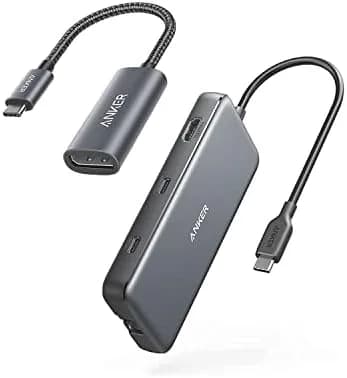
Anker
Anker 555 USB-C Hub 8-in-1 PowerExpand Adapter
₹5,999
4K at 30 Hz is the number to know before buying, and it is not on the front of the box.
Full details →Who the Logitech B170 USB Mouse is for
Buy it if: Buyers wanting the cheapest reliable wireless mouse in Logitech's lineup Students, basic office use, or a spare/backup mouse Anyone prioritizing plug-and-play simplicity over features Both left- and right-handed users (ambidextrous design)
Avoid it if: Buyers wanting adjustable DPI or higher precision tracking Gamers or anyone doing detailed design/creative work needing sensor accuracy Anyone wanting a rechargeable mouse (uses a replaceable AA battery) Buyers who specifically want the M186 experience — the B170 is a step below it in Logitech's own lineup, with a shorter standard warranty in most regions
Who the Anker 555 USB-C Hub 8-in-1 PowerExpand Adapter is for
Buy it if: Anyone needing many ports at 1080p or 1440p, or 4K where refresh rate does not matter.
Avoid it if: Anyone driving a 4K monitor for daily work -- 30 Hz pointer stutter is genuinely unpleasant.
Specifications, side by side
1 of 10 rows differ. Differences first.
| Specification | Logitech B170 USB Mouse | Anker 555 USB-C Hub 8-in-1 PowerExpand Adapter |
|---|---|---|
| Price | ₹495 | ₹5,999 |
| Warranty | 1 Year | 1 Year Official Brand Warranty |
| Ethernet | not published | Gigabit |
| Form factor | not published | USB-C docking hub |
| Heat | not published | Warm in use, which is normal for an aluminium hub |
| Host requirement | not published | The laptop's USB-C port must support DisplayPort Alt Mode; many budget laptops do not |
| Ports | not published | HDMI, 2 x USB-A 10 Gbps, USB-C 10 Gbps, USB-C PD in, Ethernet, SD, microSD |
| Power delivery | not published | 85 W passthrough from a 100 W charger |
| Video output | not published | 4K at 30 Hz only -- this is the specification that matters and the one buried in the manual |
| Weight | not published | 118 g |
| Why 30 Hz | not published | The hub shares one DisplayPort lane pair with data. 4K60 needs both pairs, which means no USB data |
Every row is a figure one or both products record. A blank is a figure the catalogue does not hold, not a zero.